

WordPress Excerpt is a brief summary of your page. By default, the WordPress Excerpt is only enabled on posts. However, in order to enable the excerpt on pages (typically below the page title), you can follow the steps below.
Step #1: Add Support for Page Excerpts
Step #2: Output Page Excerpt in Genesis Theme
Step #3: Style It as Necessary
Before we start off, I’d like to show the before/after image so you know exactly what you’re doing to achieve in this tutorial.
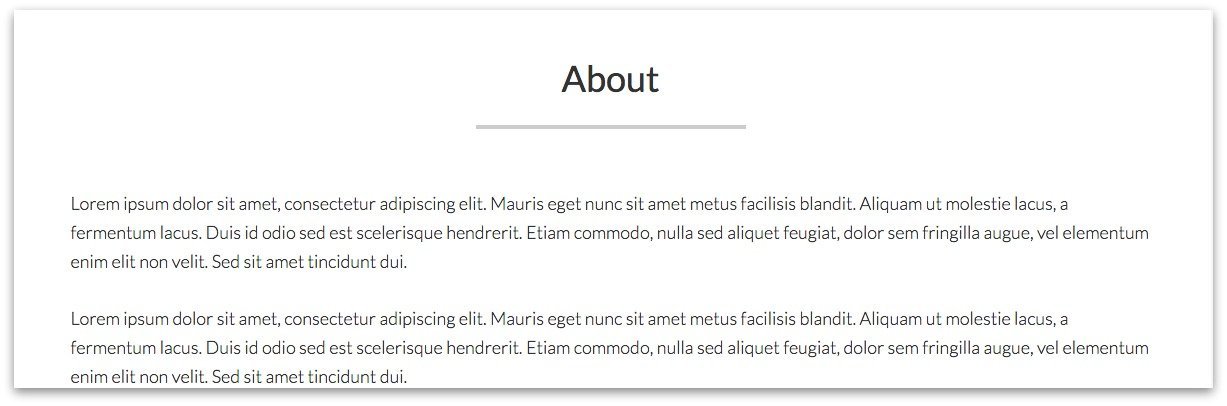
Before: Sample Page without Excerpt
After: Sample Page with Excerpt

Show Me the Code
Step #1 & #2 Add Support for Page Excerpts & Output Page Excerpt
https://gist.github.com/topleague/78540f31568077630d9bdf14418e8054
Step #3. Style It
h1 {
font-size: 52px;
font-size: 5.2rem;
font-weight: 900;
font-family: Playfair Display;
font-style: initial;
}
.page-description {
text-align: center;
padding: 5%;
background: gold;
font-style: italic;
}
Comments
2 responses to “Display Manual Excerpts Below Page Titles in Genesis”
Thanks for your Genesis tutorials. I like the way you introduce the idea, give a before/after, and then present your code. Code is clear and easy to read. CSS too! These are the kinds of things I need to learn and experiment with. I subscribe on feedly so I might not show up on your subscriber list. But, I really like what you’re doing.
Thanks for your feedback, Mark! I appreciate it. I’m so glad you like my efforts.