
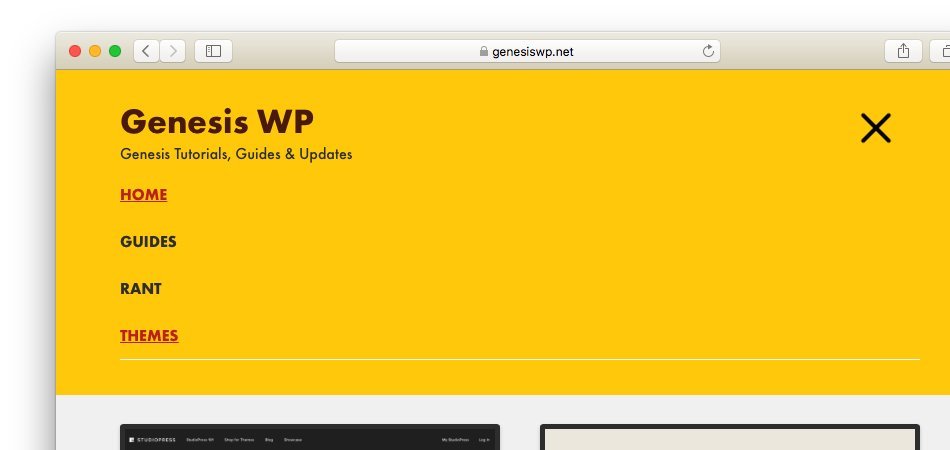
Genesis Sample theme ships with a responsive menu featuring dashicon However, if you want to replace it with something animated and more fun, this guide can be useful.
This guide is a recreation of Sridhar’s original tutorial on the same topic. However, for future reference, I decided to redo the steps in my own style.
Here are the steps to add an animated hamburger menu icon in Genesis Sample.
Step #1: Update the Markup in Responsive Menu Settings in Genesis Sample Theme
https://gist.github.com/topleague/199982998f9d44cd984dac9b935fd028
Step #2: Add CSS for Animated Hamburger Menu Icon in Genesis
https://gist.github.com/topleague/8fba606dfa3973ab7ea85f16f78974c5
Step #3: Customize as Necessary (Optional)
This guide is based on CSS-animated hamburgers by Jonathan Suh, which features 17 different types of animated icons for you to choose from. Head over to to this guide and choose the style of your liking, and tweak the css as necessary.
That’s it! Hope you find this useful!
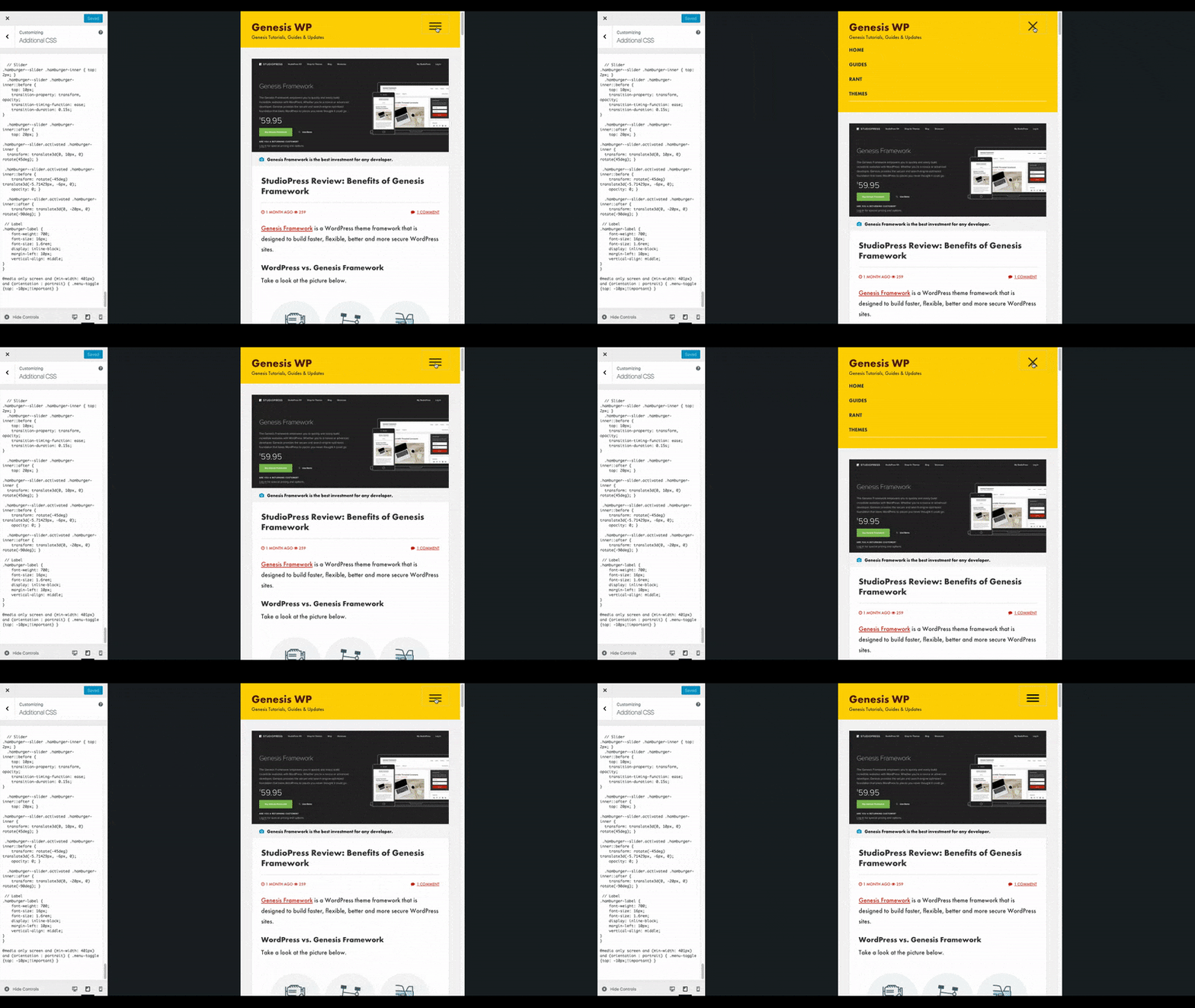
Here’s a gif of how it works on this site.
Comments
2 responses to “Add an Animated Hamburger Menu Icon in Genesis Sample”
There is a typo in the:
‘subMenuIconsClass’ => ‘dashicons-before dashicons-arrow-down-alt2’,
The proper key is not ‘subMenuIconsClass’ but ‘subMenuIconClass’
Source: https://github.com/studiopress/responsive-menus
Thanks Ivan! I will look into this.